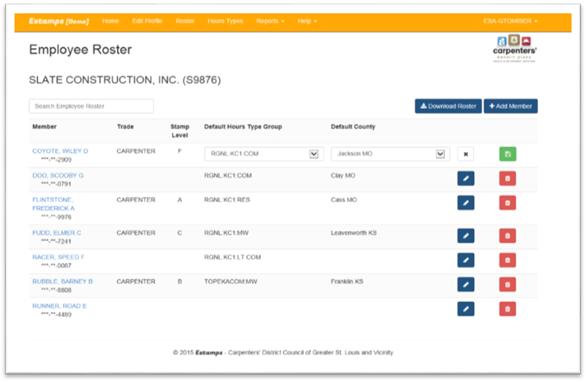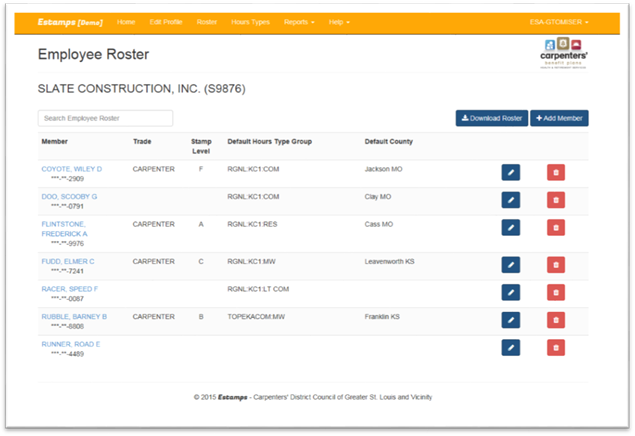
Click on Roster on the Menu Bar from the Home Page to edit/add members (by SSN) to the Roster.
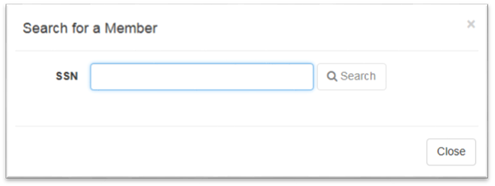
•Click on the Add member button to add the employee to the roster. Remember, if you need to add a member that does not appear when searching, you must do this from the Manual Entry screen on the Home page. You can then come to the Roster page and add them to the roster.
•Click on the Edit button to add/change.
o Change the Default Hours Type Group.
o Change the Default County.
o Click on the X to cancel or Click on the Save icon to save.